



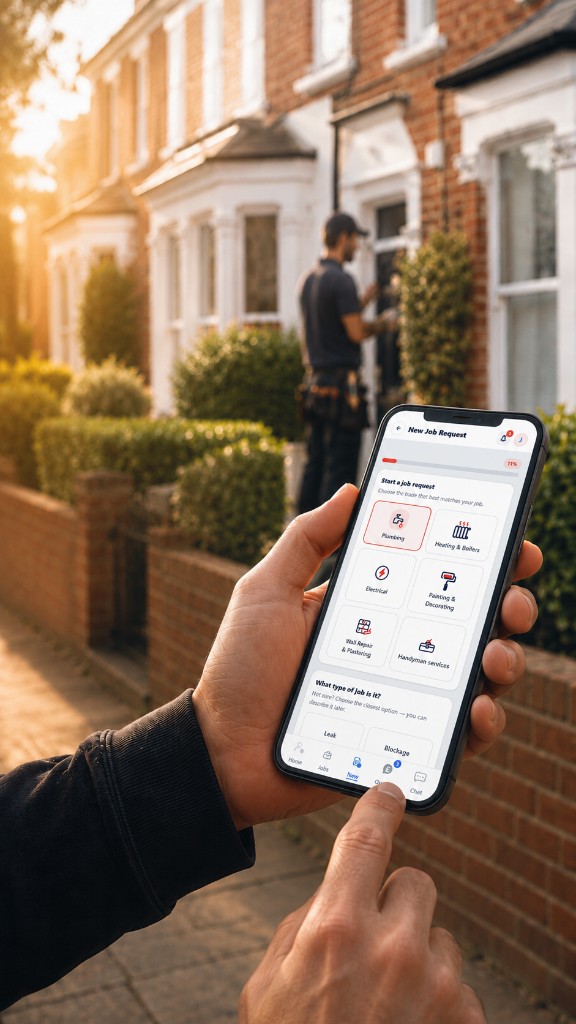
Quick quotes. Reliable trades.
Clear updates from job request to completion.
Connect with customers, landlords and verified trades through one transparent workflow.
THE TRADQU WAY
Everything you need. One simple workflow.
Customers use TradQu free. Landlords and tradespeople get their first 3 months free. Pricing is confirmed before any paid plan begins.
Compare verified quotes
Track every stage
Job requests
Verified trades
Chat & updates
Job records
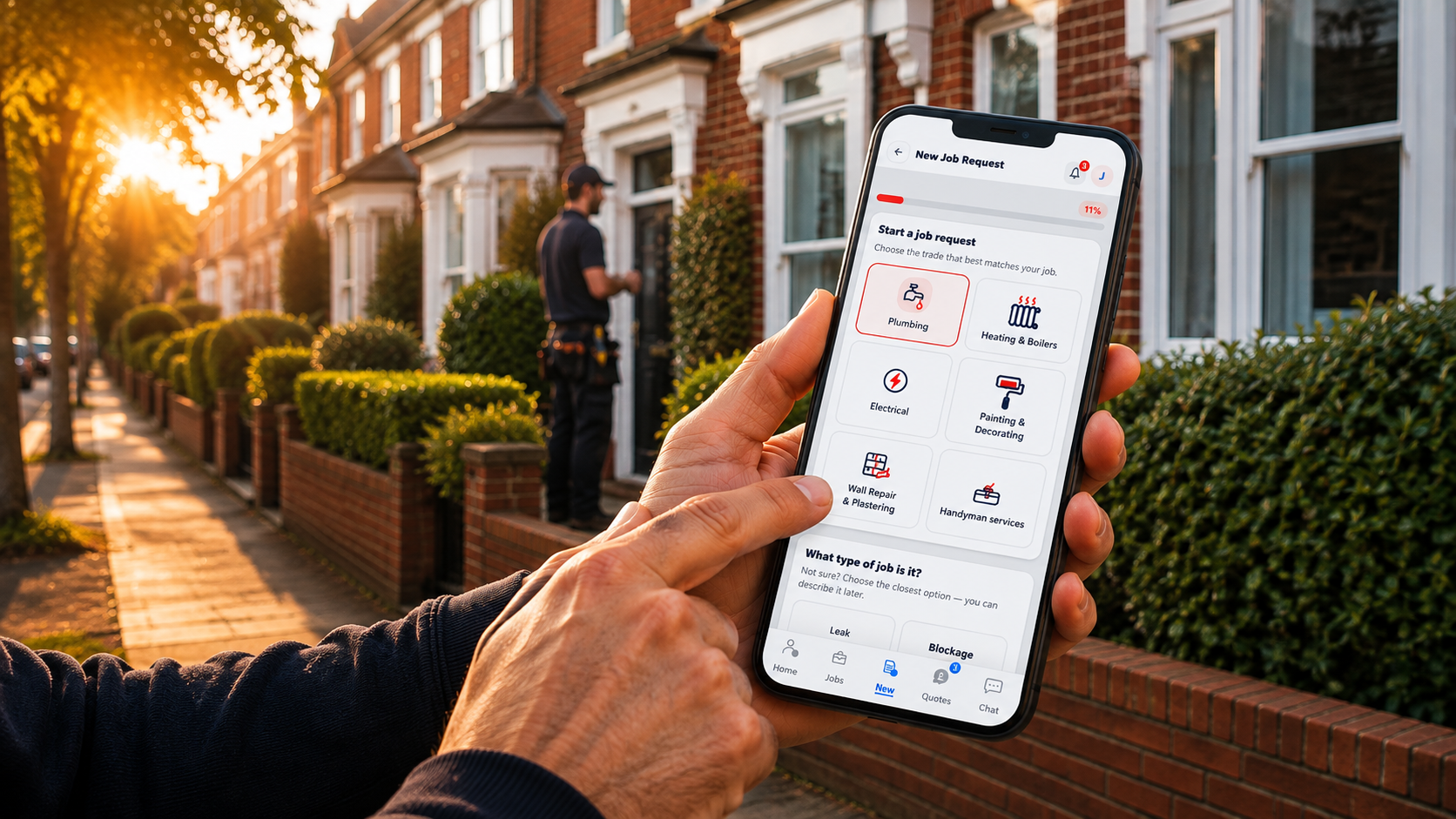




Why TradQu
One clearer way to manage repairs
Job request
Keep job details in one place
Add photos, videos and typed details once so everyone works from the same job record.
Quote comparison
Compare quotes clearly
Receive quotes from verified tradespeople online. Compare price, timing, notes and ratings side by side before you choose.
Progress tracking
Customers, landlords and selected tradespeople see the same current job status
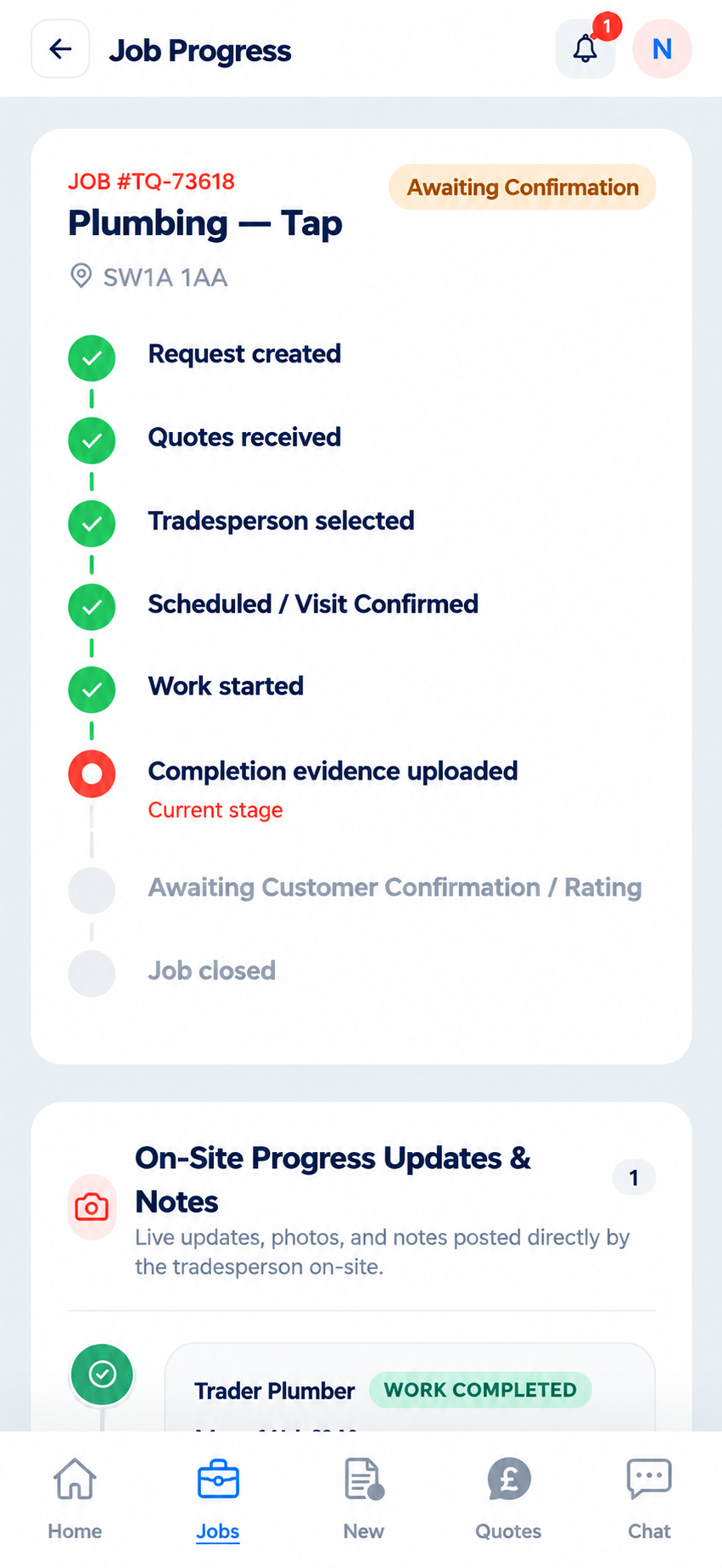
Follow the full journey: request created, quotes received, tradesperson selected, scheduled, in progress, completion evidence uploaded, rating/review and job closed.
Job record
Photos, notes and documents stay with the job record
Certificates, photos, completion evidence and notes stay attached to the job record - easy to find when you need them.
Clear updatesfrom request to completion


How TradQu Works
Create a job request, compare quotes and track the work to completion
Your account keeps quotes, Chat, photos and job records secure and available when you return

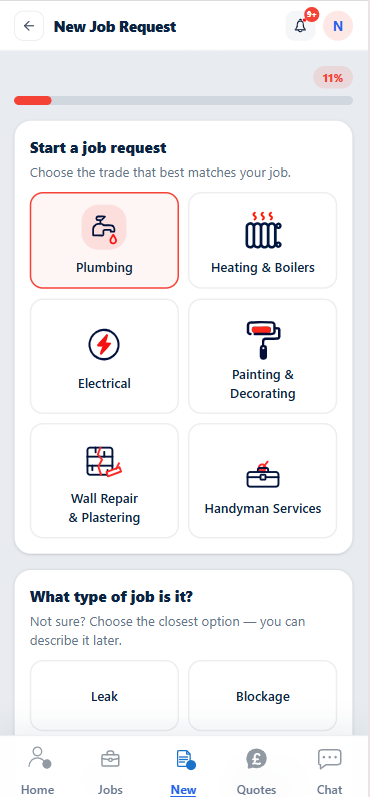
Plumbing

Heating &Boilers

Electrical

Painting &Decorating

Wall Repair &Plastering

HandymanServices
Clearer repairs from request to completion
For customers, landlords and tradespeople: one shared workflow for job requests, quotes, Chat and job records.
How TradQu works
Four clear steps from job request to completion.
Repair details stay in one place — job request, quote comparison, progress tracking and job record, without scattered calls, texts and emails.
01
Create a job request
Keep all job details in one place.
Add the issue, category, photos or videos so tradespeople can quote online with clearer information.
02
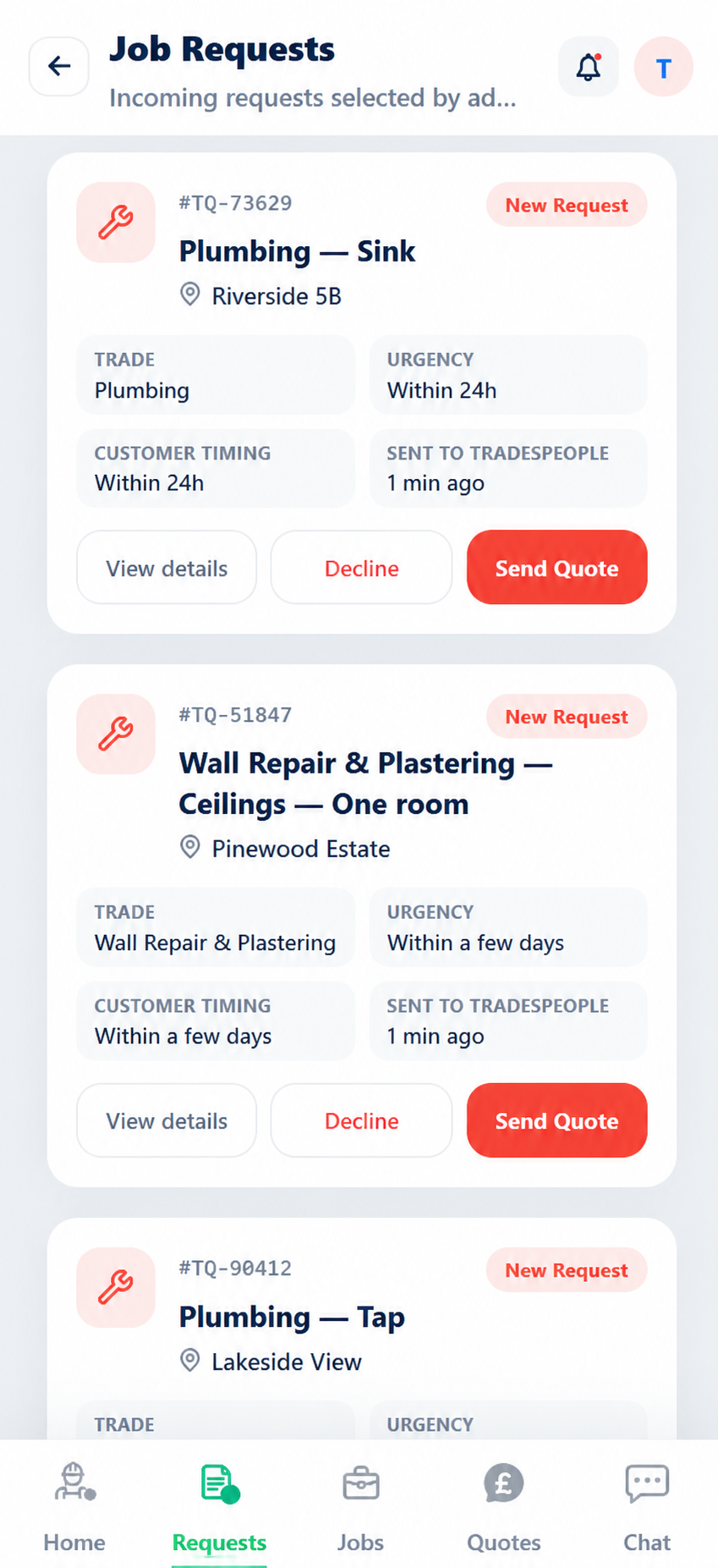
Verified tradespeople receive the job request
Matching jobs reach the right tradespeople.
Verified tradespeople see matching job requests and can review the details before sending a quote. Before acceptance, only the area and partial or outward postcode are shown - never a full street address.
03
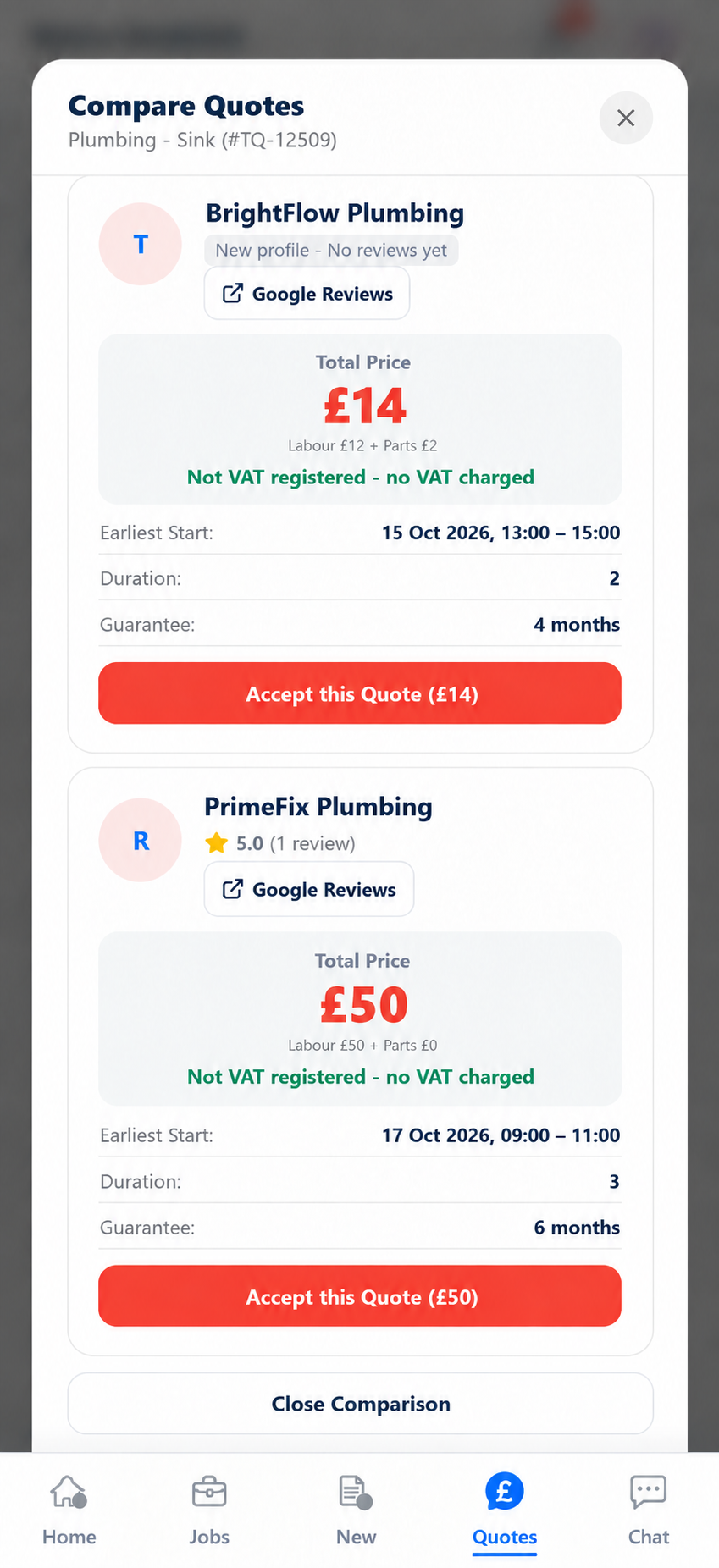
Compare quotes and choose your tradesperson
Clear quotes, easy to compare
Review price, timing, inclusions, guarantee and ratings side by side before choosing your tradesperson.
04
Track completion in one place
Track the job through to completion
Keep updates, messages, photos and documents connected during the job and stored in the job record after completion.
Get started
Customers use TradQu free. Landlords and tradespeople get their first 3 months free. Pricing is confirmed before any paid plan begins.
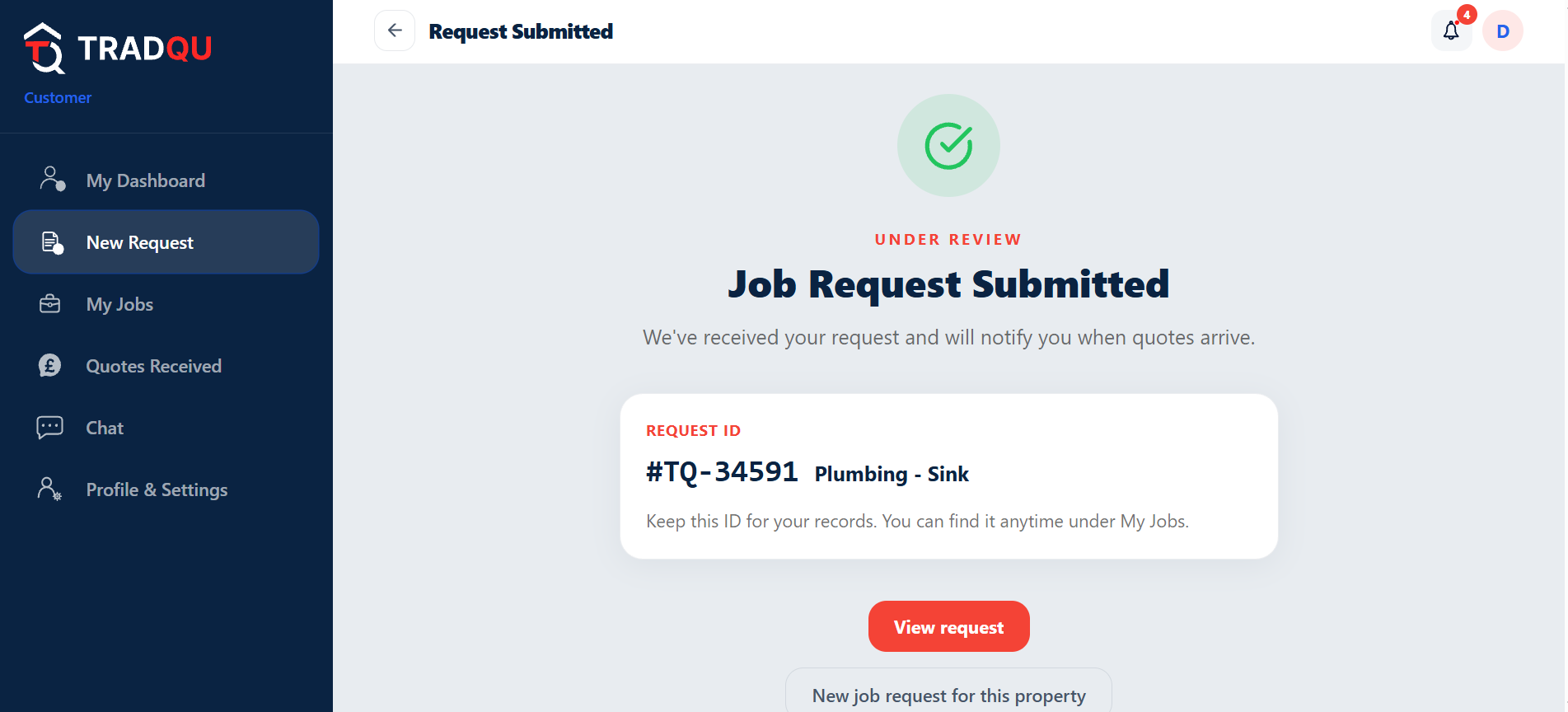
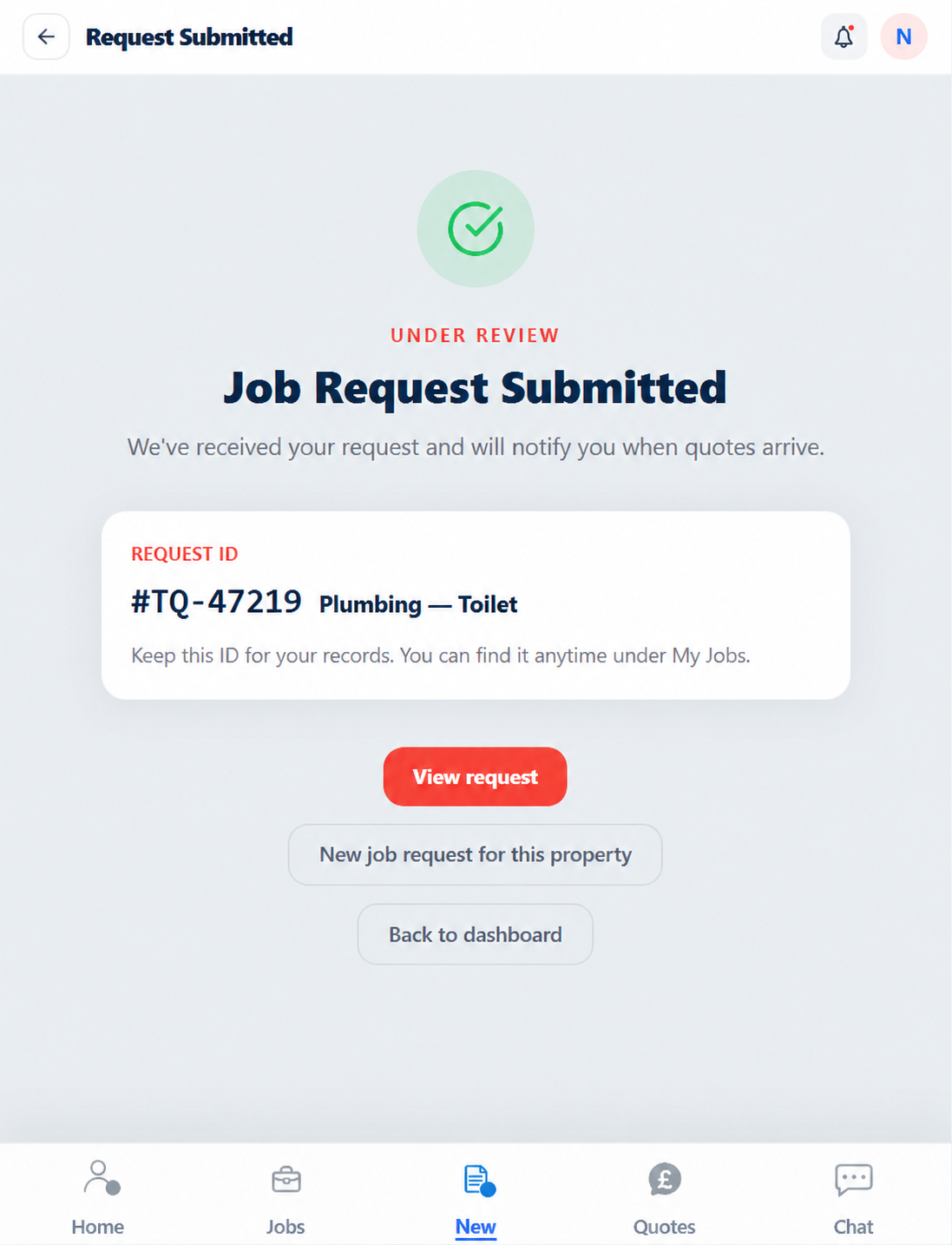
Use TradQu across your devices
Trust, verification and job records
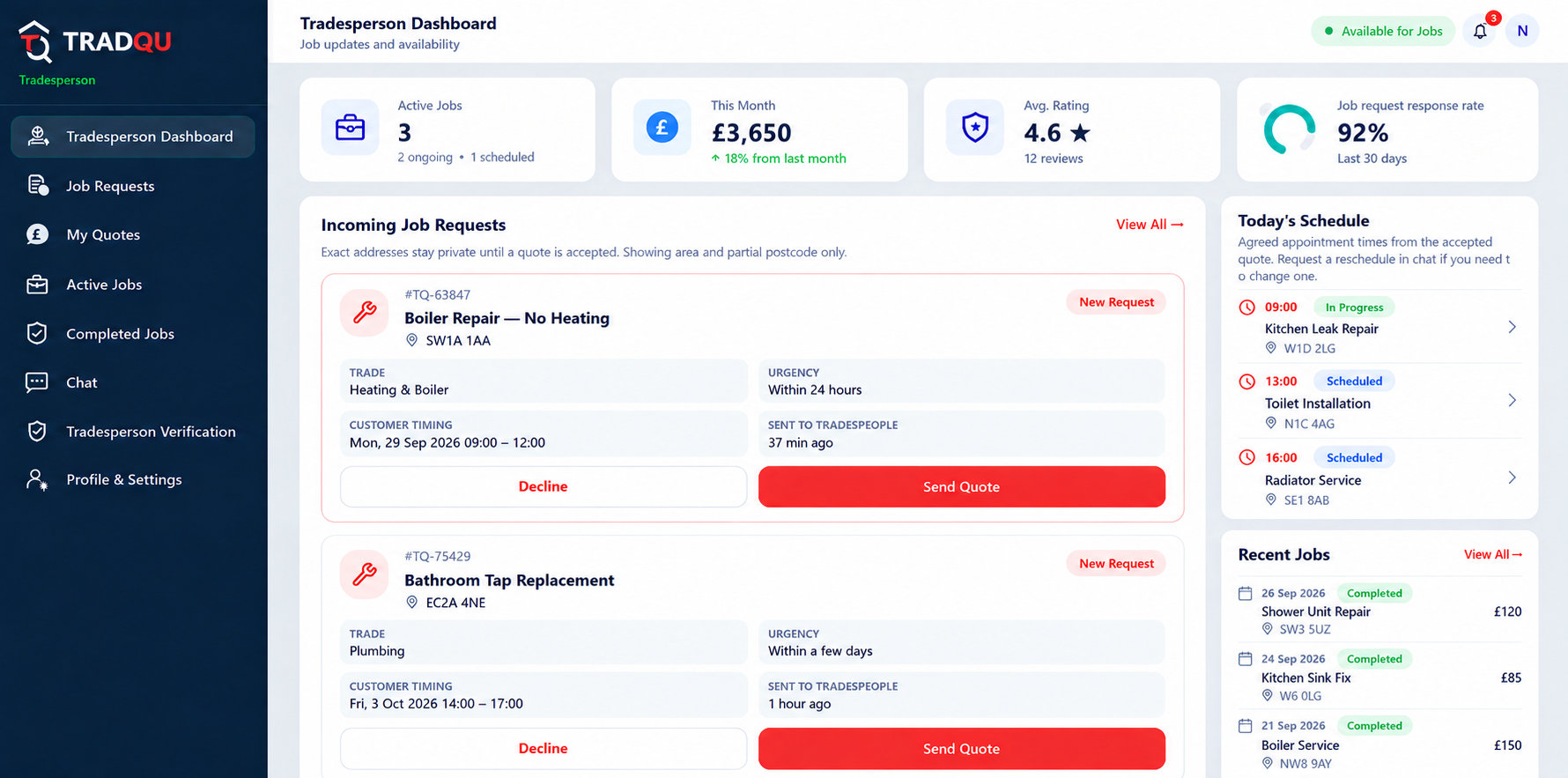
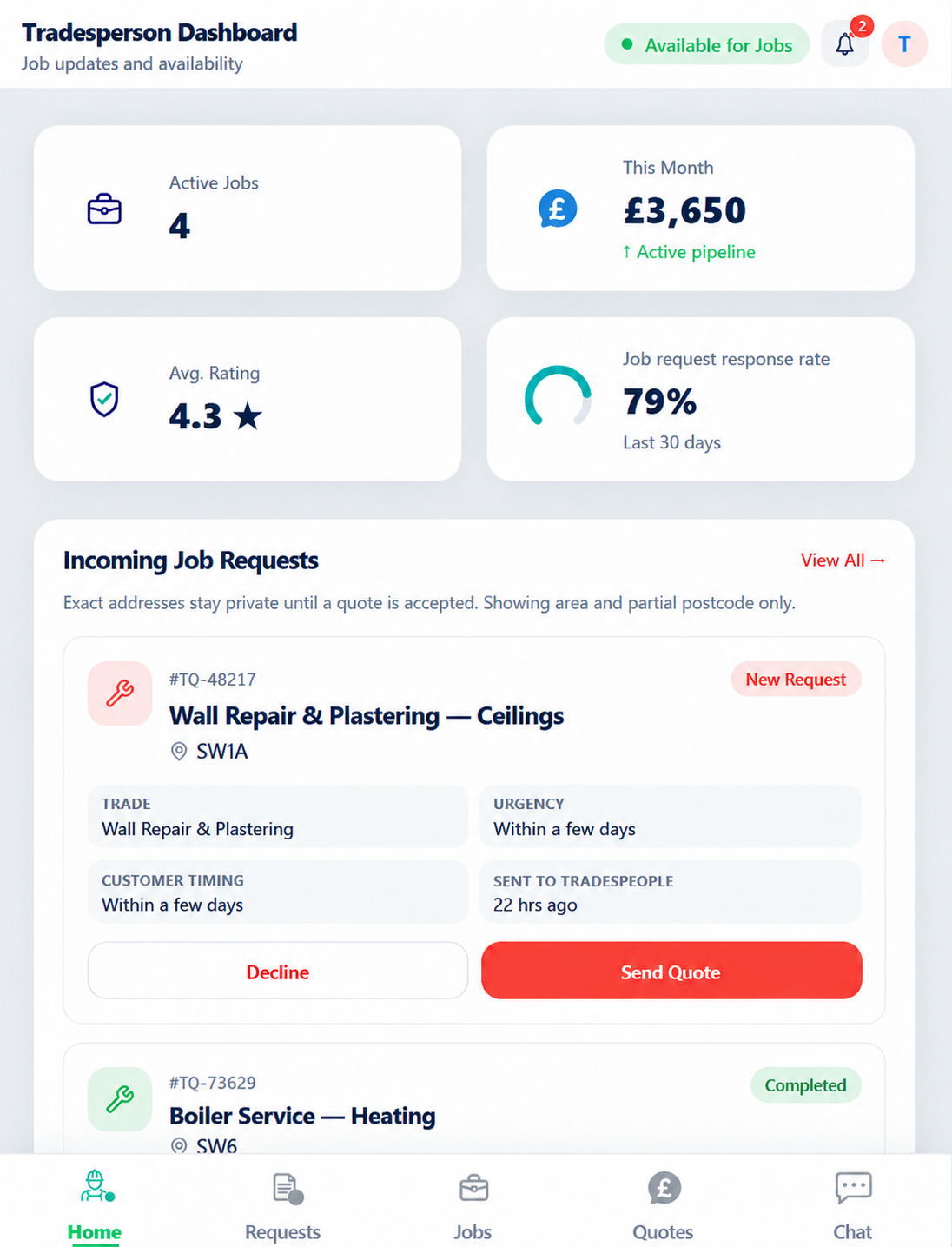
One place forJobs, quotes& updatesJobs, quotes & updates
Customers submit and track jobs. Landlords manage property jobs. Tradespeople quote and complete work.
Frequently asked questions
How does quoting work on TradQu?
After you submit your job request, relevant verified tradespeople can review the details and, wherever possible, send quotes online. For some jobs, an in-person inspection may be needed before a quote can be provided or confirmed. You can then compare quotes, including price, timing, what is included and ratings, before choosing the tradesperson that suits you best.
What does verified mean on TradQu?
Before they can quote, tradespeople provide identity, insurance and relevant trade details for review. A verified status shows that these onboarding checks have been completed.
How do payments and invoices work?
Tradespeople can upload invoices and documents to the job record. Payments are arranged directly between the customer or landlord and the tradesperson.
Can landlords manage multiple properties?
Yes. Landlords can add multiple addresses, track jobs per property, store documents, and view job records and property history in one dashboard.
Can I upload photos and communicate through TradQu?
Yes. When creating a job request, you can add photos, videos and typed details. After a tradesperson is selected, use Chat for updates. Files and completion evidence stay with the job record.